Free Invoice Template for Freelancers: Get Paid Faster & Look Pro
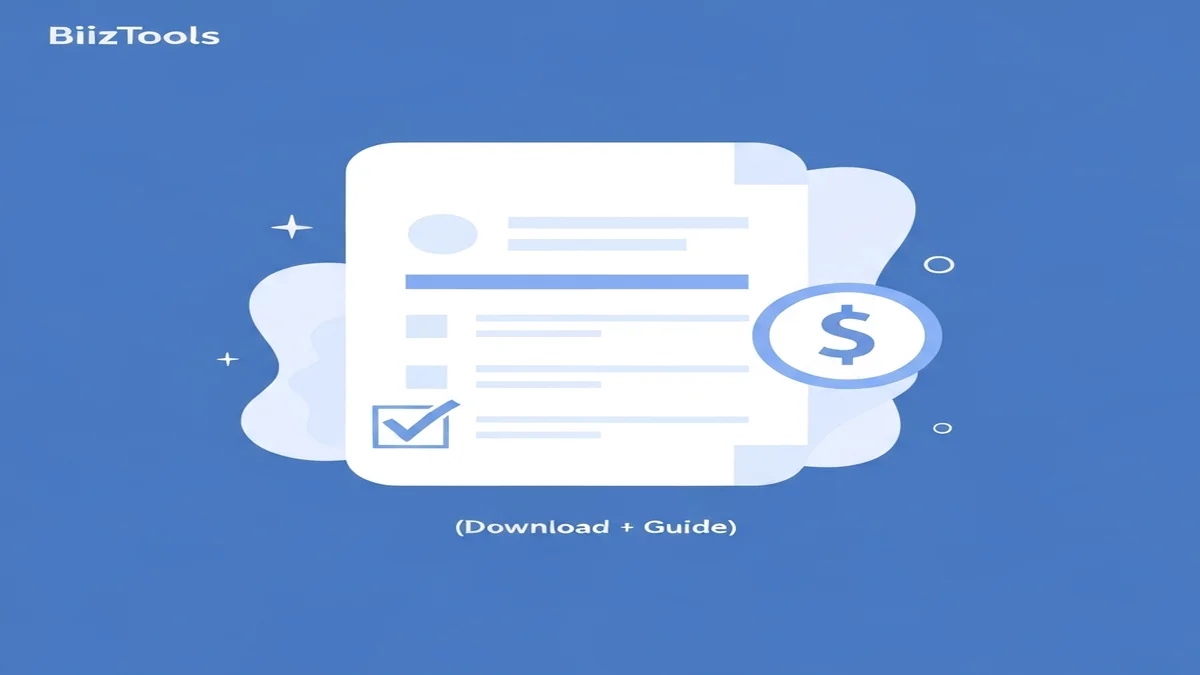
Running your own freelance business means getting paid for your hard work. A clear invoice is key to this. It tells your client exactly what they owe and when. Without one, you risk delays or confusion about your payment.
Many freelancers struggle with creating professional invoices. They might spend too much time making them or miss important details. That's why having a simple, ready-to-use template helps. It saves you time and makes sure you look professional.
This guide will walk you through everything you need to know about invoices. We'll show you what to include, how to use our free invoice template for freelancers, and common mistakes to avoid. Get ready to download your free template and make getting paid easier.
Why Every Freelancer Needs a Good Invoice Template
Getting paid is crucial for your freelance business. A good invoice template helps you do this reliably and professionally. Think of it as your financial handshake with a client.
First, a professional invoice makes you look credible. When a client receives a well-organized invoice, they see you as a serious business owner. This builds trust and shows you value your work. For example, a crisp, branded invoice for a $700 graphic design project leaves a better impression than a hastily written email.
Second, clear invoices help you get paid faster. If your client understands what they're paying for and when, they can process it quickly. An invoice that clearly shows "$500 for content writing, due in 14 days" will likely be paid quicker than one with vague details. This means more money in your bank account sooner.
Third, invoices are essential for your records. They help you track your income and expenses for tax time. Imagine trying to remember all your projects and payments at the end of the year. With 30 invoices, each detailing a $300 editing job, you have a clear record of $9,000 in income. This makes tax preparation much simpler.
Finally, an invoice acts as a record of agreement. It proves you delivered a service and your client owes you money. If there's ever a dispute, your detailed invoice for a $1,200 website development project is solid proof of your work and the agreed price. Using a consistent freelance invoice template saves you time and stress, ensuring you always present a professional image.
What to Include in Your Freelance Invoice
A complete invoice has several important parts. Missing any of these can cause delays in getting paid. Our free invoice template for freelancers has spaces for all these details.
Here’s a breakdown of what every good invoice needs:
- Your Contact Information: Put your name or business name, address, phone number, and email. Your client needs to know who the invoice is from.
- Client's Contact Information: Include the client's business name, address, and the name of the contact person if you have one. Make sure this is correct.
- Invoice Number: Assign a unique number to each invoice. This helps you track payments and makes it easy to refer back to. For example, use "INV-2023-001" for your first invoice of the year.
- Invoice Date: This is the date you created and sent the invoice.
- Due Date: This tells your client when the payment is expected. Common due dates are 14 or 30 days after the invoice date. Learn more about payment terms on invoice to set this correctly.
- Description of Services: List each service you provided clearly. Be specific about the work done. For example, instead of "Marketing," write "Social media post creation (5 posts for Instagram & Facebook)."
- Hourly Rate or Fixed Price: State how you charge for each service. This could be an hourly rate ($75/hour) or a fixed price for a project ($400 for a logo design).
- Quantity or Hours: For hourly work, show the number of hours. For fixed-price items, list the quantity (e.g., "1" for one logo).
- Line Item Total: Calculate the cost for each service. If you worked 5 hours at $75/hour, the line item total is $375.
- Subtotal: Add up all the line item totals. This is the amount before any taxes or discounts.
- Taxes (if applicable): If you need to charge sales tax, show it as a separate line item. For instance, "6% Sales Tax on $1000 Subtotal = $60."
- Total Amount Due: This is the final amount your client needs to pay.
- Payment Instructions: Tell your client how to pay you. Include bank account details for a transfer, your PayPal email, or other methods.
- Terms and Conditions: Add any special notes like late payment fees (e.g., "A 5% late fee will be applied for payments overdue by 30 days").
- Notes: This space is for any extra messages, like a "Thank You" or specific project details.
How to Use Your Free Invoice Template
Using our free invoice template is simple. It helps you create professional invoices quickly, so you can focus on your work. Follow these steps to get started:
Step 1: Download the Template First, get your free freelance invoice template. It's designed to be easy to use in common software like Word or Excel, and you can easily convert it to PDF for sending. This template is a great starting point for any freelancer.
Step 2: Customize with Your Information Open the downloaded template. Replace the placeholder information with your own details. Add your business name, logo, address, phone number, and email. Making it yours helps build your brand with every invoice you send.
Step 3: Add Client Details Fill in your client's full contact information. This includes their company name, address, and the name of the person who handles payments. Double-check these details to ensure the invoice goes to the right place.
Step 4: List Your Services Now, describe the work you did. For each service, add a clear description, the quantity (like "3 articles" or "10 hours"), and your rate. For example, you might write: "Wrote 3 blog posts on small business tips @ $150 each, total $450." Be specific so there's no confusion about what the client is paying for.
Step 5: Calculate Totals The template will help you calculate the line item totals, subtotal, and the final amount due. Always review these numbers. If you need to add sales tax, make sure to include it as a separate line and calculate it correctly.
Step 6: Set Payment Terms Clearly state the due date for payment. This helps your client understand when they need to pay. For example, "Payment due within 14 days of invoice date." Also, include your preferred payment methods, like bank transfer details or a PayPal address. This makes it easy for your client to pay you.
Step 7: Review and Send Before sending, carefully review everything on your invoice. Check for typos, correct numbers, and ensure all details are present. Save your completed invoice as a PDF file. This keeps its professional look on any computer. Then, send it to your client, usually as an email attachment. Creating a professional invoice is crucial for getting paid on time. Learn more about create a professional invoice.
Download Your Free Freelance Invoice Template
Ready to make your invoicing simpler and more professional? We've created a straightforward, effective invoice template just for freelancers like you. This template takes the guesswork out of billing.
Our freelance invoice template is designed to be easy to use. You can quickly add your details, list your services, and send it off. It comes in a format that works with most common office software, making it accessible for everyone.
Stop spending valuable time building invoices from scratch. With this free invoice template, you can project a professional image and ensure you get paid without hassle. It's a key tool for managing your freelance business smoothly.
This template helps you: * Look professional to your clients. * Ensure all necessary details are included. * Track your earnings effectively. * Save time on administrative tasks.
Click below to get your free invoice template download today. It's designed to help you quickly create a clean, comprehensive invoice that your clients will appreciate.
Common Mistakes Freelancers Make with Invoices (and How to Avoid Them)
Even with a good template, it's easy to make invoicing mistakes. These errors can delay your payment or make you look less professional. Knowing them helps you avoid them.
Mistake 1: Not Sending Invoices on Time Many freelancers wait too long to send an invoice after finishing a project. This delays payment. * How to avoid: Send your invoice as soon as the work is delivered or approved. If you finished a $600 project on Monday, invoice it that same day.
Mistake 2: Missing Information Leaving out important details, like the invoice number or payment terms, can confuse clients. They might have to ask for clarification, which slows down payment. * How to avoid: Use a complete invoice template. Always double-check that all fields are filled before sending, especially your contact details and the total amount due.
Mistake 3: Unclear Service Descriptions Clients need to understand exactly what they're paying for. Vague descriptions lead to questions and disputes. * How to avoid: Be specific. Instead of "Website Update," write "Update website content for 5 pages (text and images)." If you completed a "Social Media Management" project, specify "Managed Instagram posts for October (20 posts, 4 stories)."
Mistake 4: Incorrect Calculations Math errors, especially in totals or tax calculations, make you look unprofessional and can cause trust issues. * How to avoid: Always double-check your math. If you're using a spreadsheet template, ensure formulas are correct. Our free invoice template or a good invoice generator can help automate these calculations. For a project with 10 hours at $80/hour plus $50 in expenses, the total should be $850, not $805.
Mistake 5: Lack of Payment Terms Not stating a clear due date or late payment policy gives clients no urgency to pay. * How to avoid: Always include a due date (e.g., "Payment due within 30 days"). If you charge late fees, state them clearly (e.g., "A late fee of 2% per month will be applied to overdue invoices").
Mistake 6: Forgetting Unique Invoice Numbers Every invoice needs a unique number. Without it, tracking payments and organizing your records becomes a nightmare. * How to avoid: Use a consistent numbering system (e.g., INV-YEAR-001, INV-YEAR-002). Your template should prompt you for this.
Avoiding these common mistakes helps ensure you get paid on time and maintain a professional relationship with your clients.
FAQ
How long should I give clients to pay my invoice?
Common payment terms are 14 or 30 days from the invoice date. For new clients or smaller jobs, 7 days might work. Always agree on payment terms before starting work to avoid confusion. Clearly state the due date on your invoice to set clear expectations.
Do I need to charge sales tax as a freelancer?
It depends on your location and the specific services you offer. In some areas, digital services might be taxable, while others are not. Always check your local tax laws or consult with an accountant to understand your obligations regarding sales tax.
What is the best way to send an invoice?
Sending invoices as a PDF file attached to an email is the standard professional method. A PDF ensures your invoice looks the same on any device and prevents accidental edits. Remember to keep a copy of every invoice for your own records. For more details, explore what is an invoice.
Making sure you have a clear, complete invoice is essential for any freelancer. Our free invoice template for freelancers gives you a solid foundation to start with. It helps you stay organized, look professional, and get paid for your hard work.
While our free template is a great start, BiizTools also offers a powerful Invoice Generator. This online tool takes invoicing to the next level. It automates calculations, lets you easily customize your invoices, and saves your client details for future use. You can create, save, and send professional invoices in minutes, making your billing process even smoother.

Give our Invoice Generator a try to see how simple and efficient your invoicing can be. It’s designed to help you manage your freelance finances with ease and confidence.
Frequently Asked Questions
A professional invoice template makes you look credible, builds trust with clients, and helps you get paid faster. It also provides crucial records for tracking income for tax purposes and serves as an official agreement for your services, simplifying financial management.
Your freelance invoice should clearly state what services were provided, the total amount due, and the payment deadline. It should also include your business details, the client's information, and a unique invoice number to ensure clarity and professional record-keeping for both parties.
A free invoice template saves freelancers significant time by providing a ready-to-use format. It ensures all important details are included, helps you look professional to clients, and minimizes common invoicing mistakes. This simplifies the payment process and helps you track income efficiently.
Need to create a professional invoice?
Use our free Invoice Generator to create, customize, and download invoices in seconds.
Create Invoice