Modernize Your Bookkeeping Process
Eliminate manual data entry and keep your books accurate with AI-powered receipt scanning.
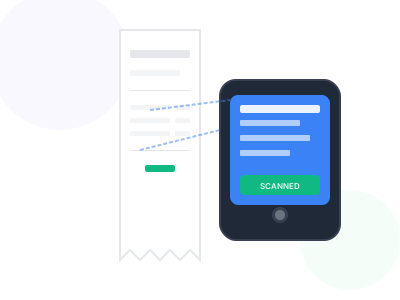
Manual receipt entry is one of the most time-consuming aspects of bookkeeping. Every receipt means typing in vendor names, amounts, dates, and categories - work that adds up to hours every month.
Our receipt scanner automates this tedious process. Upload receipts in bulk, and our AI extracts all the data you need for accurate bookkeeping. Export directly to Excel or import into your accounting software.
Whether you're a bookkeeper managing multiple clients or a business owner handling your own books, our tool dramatically reduces the time spent on receipt processing.
Key Benefits
Why professionals choose our receipt scanner
Bulk Processing
Upload and process multiple receipts at once
Accurate Extraction
95%+ accuracy on amounts, dates, and vendors
Easy Categorization
Assign expense categories for proper accounting
Software Compatible
Export formats work with QuickBooks, Xero, and more
How It Works
Get started in just a few simple steps
Bulk Upload
Upload all receipts at once or scan individually
AI Processing
Automatic extraction of all financial data
Verify & Categorize
Review extracted data and assign GL codes
Export to Software
Download for import into accounting systems
Feature Comparison
See what's included in free and premium plans
| Feature | Free | Premium |
|---|---|---|
| Bulk upload | ||
| AI data extraction | ||
| Custom categories | ||
| QuickBooks format | ||
| Receipt archive |
Pro Tips
Get the most out of receipt scanner
- Process receipts weekly to maintain accurate books
- Create category mappings that match your chart of accounts
- Keep digital copies as backup documentation
- Use consistent vendor naming for accurate reporting
Frequently Asked Questions
Everything you need to know about receipt scanner
Yes, our export format is compatible with major accounting software including QuickBooks, Xero, Wave, and FreshBooks.
Our AI achieves 95%+ accuracy on clear receipts. We recommend a quick review of extracted data before importing to accounting software.
Yes, you can organize receipts by client or business and export separate reports for each.