Simplify Tax Season with Smart Receipt Scanning
Stop drowning in paper receipts. Scan, categorize, and export your expenses for stress-free tax preparation.
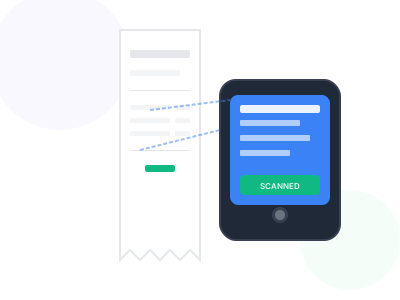
Tax season doesn't have to mean hours of sorting through shoeboxes full of receipts. Our receipt scanner helps you digitize and organize all your business expenses throughout the year, making tax preparation a breeze.
Simply scan your receipts and our AI automatically extracts key information like merchant name, date, amount, and category. Export everything to Excel for your accountant or import directly into your tax software.
Whether you're a self-employed professional tracking deductions or a small business owner documenting expenses, our tool ensures you never miss a legitimate tax deduction.
Key Benefits
Why professionals choose our receipt scanner
Never Miss Deductions
Capture and categorize every deductible expense
AI-Powered Extraction
Automatically extract vendor, date, amount, and category
Export to Excel
Generate organized spreadsheets for your accountant
IRS-Ready Records
Digital copies serve as backup documentation
How It Works
Get started in just a few simple steps
Upload Receipts
Scan or photograph your receipts and upload
Auto-Extraction
AI extracts merchant, date, amount, and category
Review & Categorize
Verify data and assign tax categories
Export for Taxes
Download organized Excel file for tax prep
Feature Comparison
See what's included in free and premium plans
| Feature | Free | Premium |
|---|---|---|
| Receipt scanning | ||
| Data extraction | ||
| Category assignment | ||
| Excel export | ||
| Bulk upload |
Pro Tips
Get the most out of receipt scanner
- Scan receipts immediately after purchases to avoid fading
- Use consistent categories that match tax deduction types
- Keep digital copies even after scanning paper receipts
- Export data quarterly to stay organized year-round
Frequently Asked Questions
Everything you need to know about receipt scanner
Our AI extracts merchant/vendor name, transaction date, total amount, tax amount, and suggests a category based on the merchant type.
Yes, you can export all your receipts to an Excel spreadsheet that's easy to share with your accountant or import into tax software.
Digital copies of receipts are generally accepted by the IRS. However, we recommend keeping original receipts for large purchases as backup.